Your articles and your documents, to listen to like a podcast
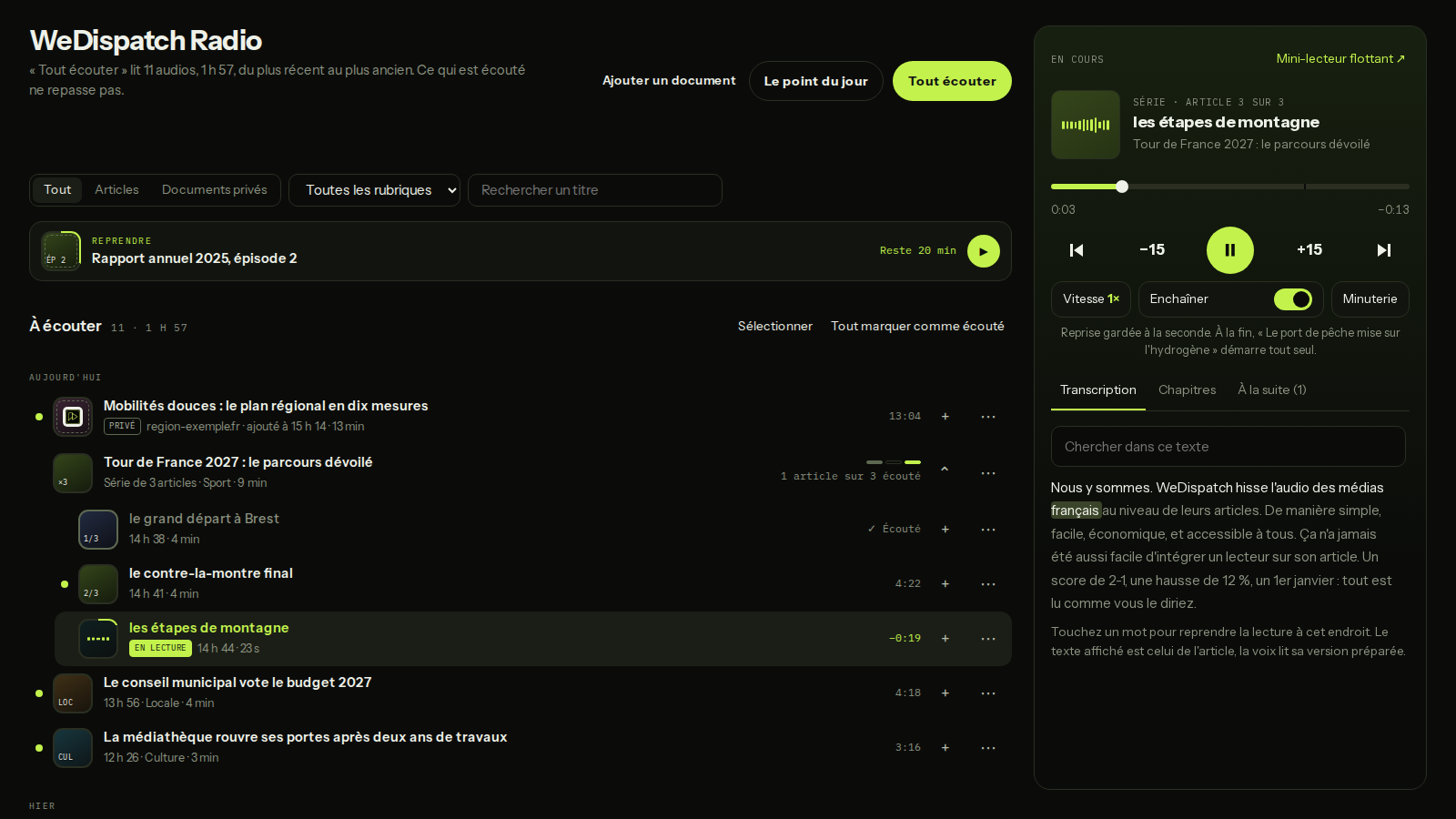
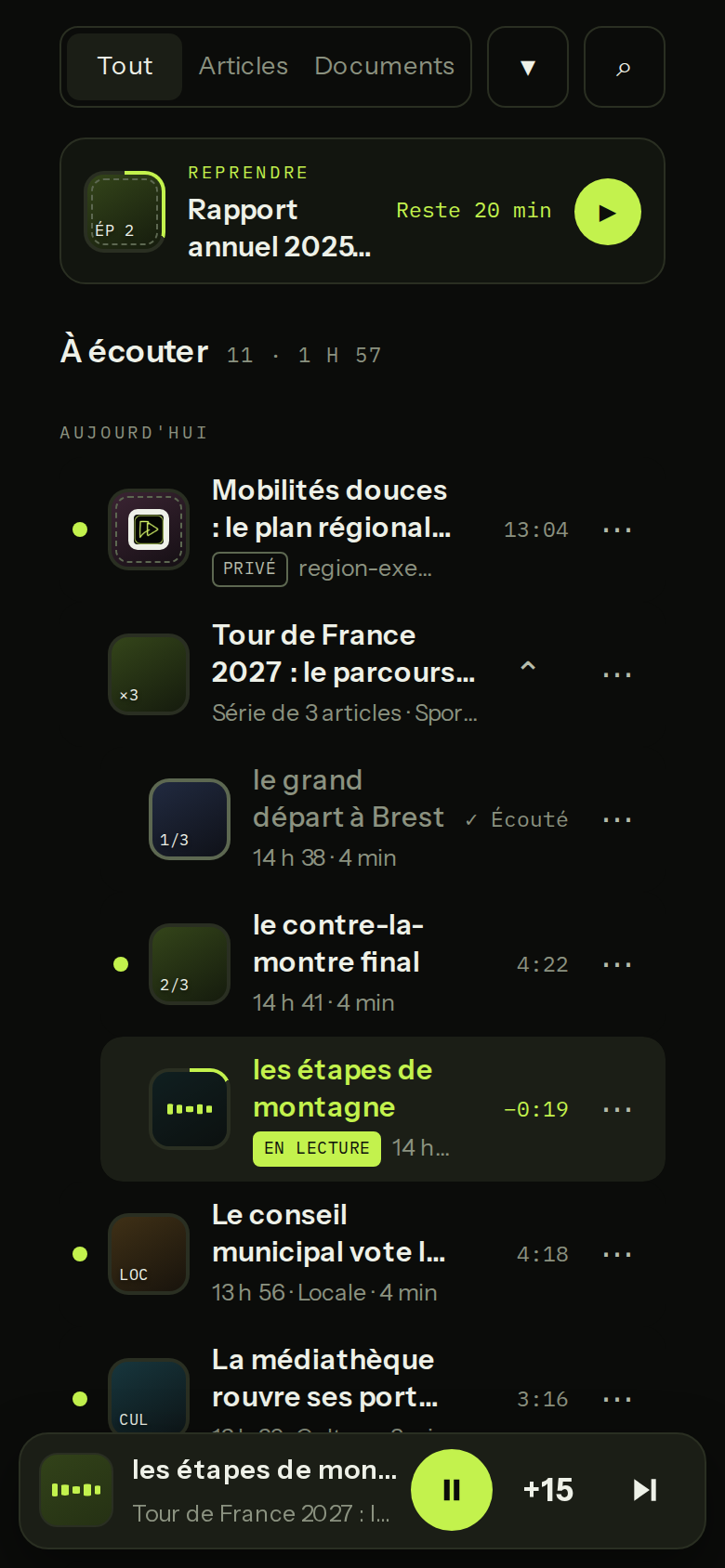
A personal player inside your WeDispatch space. Your published articles arrive on their own, you add your own documents (a text, an article's address, a PDF), and everything plays in a row, on a computer, on a phone, on the lock screen and in the car.
A forty-page report, a memo to read before the board meeting, this week's articles you never found time to open: they all wait for a moment at the screen that never comes. The commute, the walk, the drive happen every day, but text can't be read with your eyes on the road.
Your articles and your documents, to listen to like a podcast
Your articles are already there
Every voiced article from your site lands in the library, newest first. Nothing to import, nothing to set up.
Add your documents
Paste a text, give an article's address or drop a PDF. The duration and the credits show before anything is produced. A long document becomes episodes of about 30 minutes. It stays private: never published, never shared.
Press “Play all”
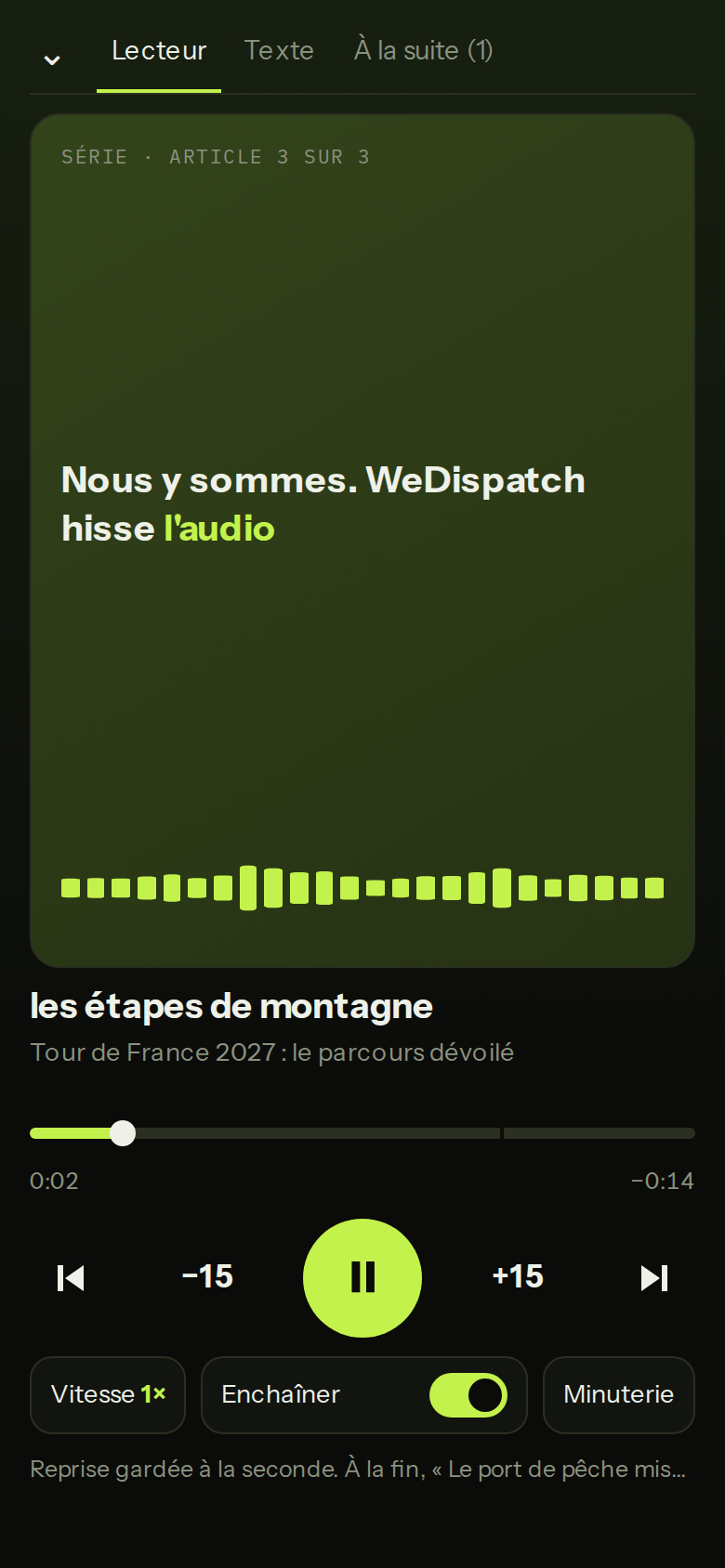
Audios play one after another, a document's episodes and a series of articles in order. What you've played doesn't come back, and playback resumes to the second.
Dead time becomes useful time
Commute, walk, drive: with the phone locked in your pocket, the controls stay on the lock screen and in CarPlay.
The text follows the voice
The transcript highlights word by word; tap a word to jump back to it. On a phone, the lyrics scroll across the cover.
You always know where you are
A library sorted by status: up next at the top with the total duration, played audios set apart, a series of articles grouped together.
Private by design
An added document is served by no public page, no embedded player, no API. It is erased with its audio and its text when you delete it.
Newsrooms that want to listen back to their articles before and after publication, executives and project leads with reports and memos to take in, every WeDispatch account, trial included.
Ready to give your articles a voice?
Book a 30-minute demo: we set WeDispatch up with you, no complex setup.
How much does it cost?
Listening to your already voiced articles costs nothing extra. An added document is paid in credits, like any audio, and the estimate shows before it is produced. A production that fails uses no credits.
Are my documents really private?
Yes. They are served by no public page, no embedded player, no feed and no API: only your account plays them, through a short-lived signed link. Every upload asks you to confirm the content is for your personal listening.
How long can a document be?
A long document is split into episodes of about 30 minutes, by chapter when it has chapters, up to twelve episodes. Beyond that, split it into several parts.
Does it work on a phone and in the car?
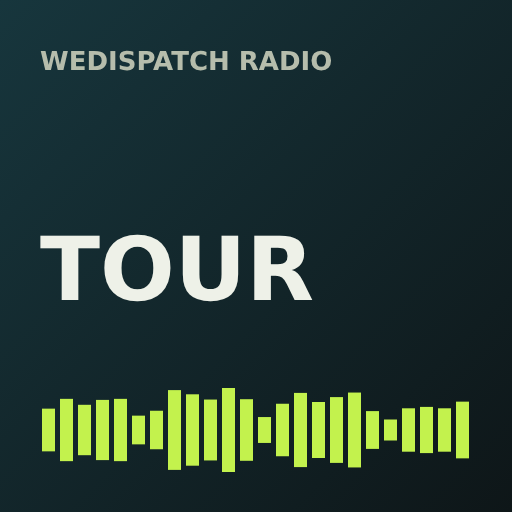
Yes, in the phone's browser: lock screen, headphone controls, and CarPlay's Now Playing screen when the phone is plugged in. Each audio gets its own cover art there.
Does resume follow me from one device to another?
Not yet: the playback position and the audios marked as played are kept on the device you listen on.