The whole newsroom on one account, everyone in their lane
Invite your journalists, your developers and your ad desk to the same workspace. Two access levels (admin and member) to share the work without sharing the keys.
One login passed around the whole newsroom means the password taped under the keyboard and the API key nobody dares rotate. No way to know who did what, or to cleanly remove access when someone leaves.
The whole newsroom on one account, everyone in their lane
Invite by email
Each person joins the workspace with their own account. No more shared login or password on a sticky note.
Assign a role
Admin (billing, API keys, settings, team) or member (generate, listen, correct, approve). The right scope for each.
Stay in control
Someone leaves? Revoke access in one click, without touching the others. Actions stay attributed to their author.
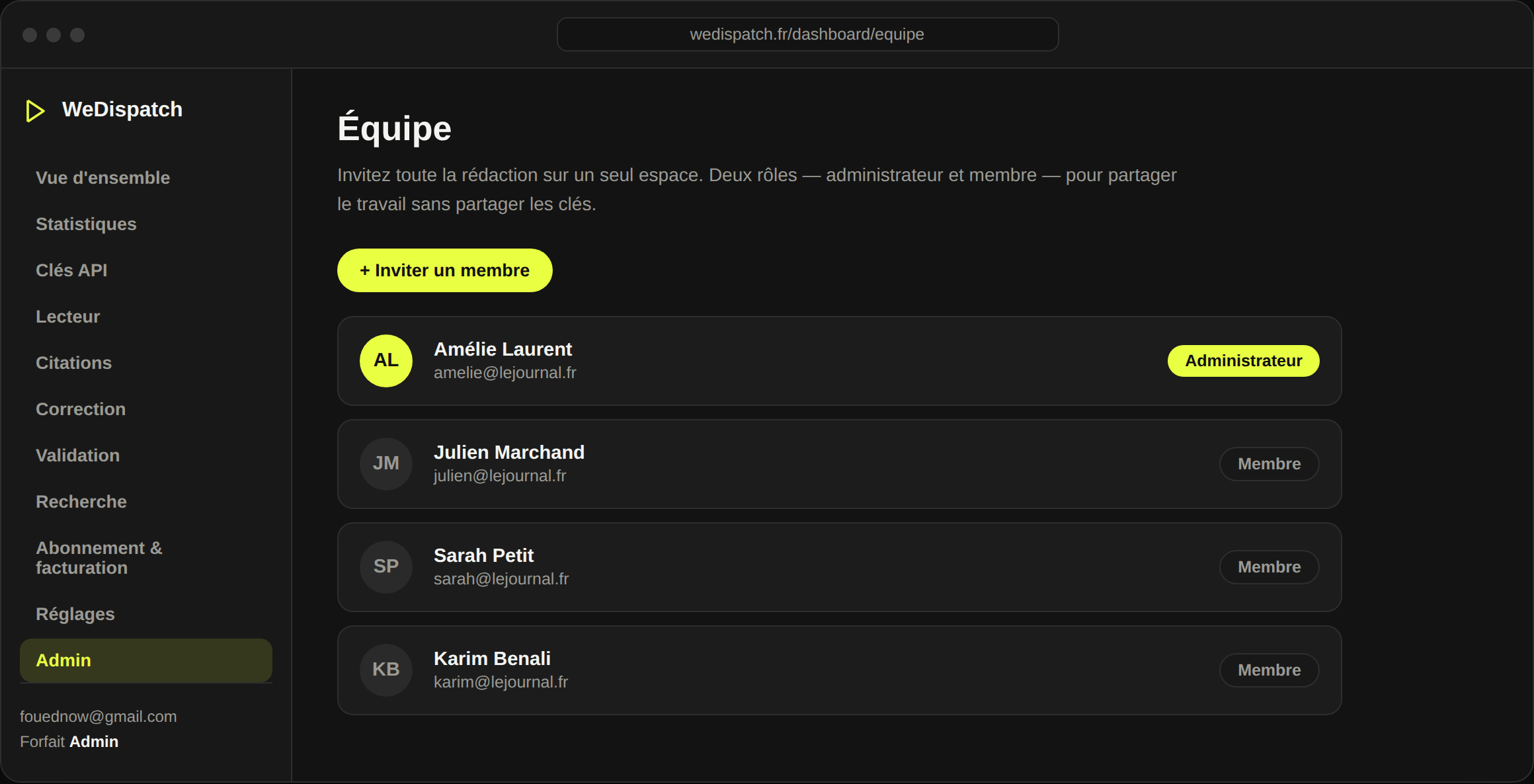
Two clear roles
Admin to run the account, member to produce day to day. Easy to understand, easy to manage.
Every action attributed
Generation, correction, approval: you always know who's behind it. Traceability comes from each person's identity.
Just-right access
A member produces without seeing billing or API keys. You share the work, not the secrets.
Ready to grow
From two people to a whole newsroom: add members as you go, without reworking your setup.
Multi-hand newsrooms: regional titles with several desks, multi-title groups, teams where journalists, tech and ad sales coexist.
Ready to give your articles a voice?
Book a 30-minute demo: we set WeDispatch up with you, no complex setup.
How many roles are there?
Two: admin (billing, API keys, settings, team management) and member (generate, listen, correct, approve). A readable scope for each.
Can a member see billing?
No. Billing, subscription and API keys are admin-only. A member focuses on audio production.
How do I remove access?
An admin revokes the member in one click. Their access stops at once, with no impact on other accounts or shared keys.
Is the number of users limited?
The account is designed for a whole newsroom. For specific needs (many seats, SSO), the enterprise plan handles it.