Give us your feed URL, we handle the rest
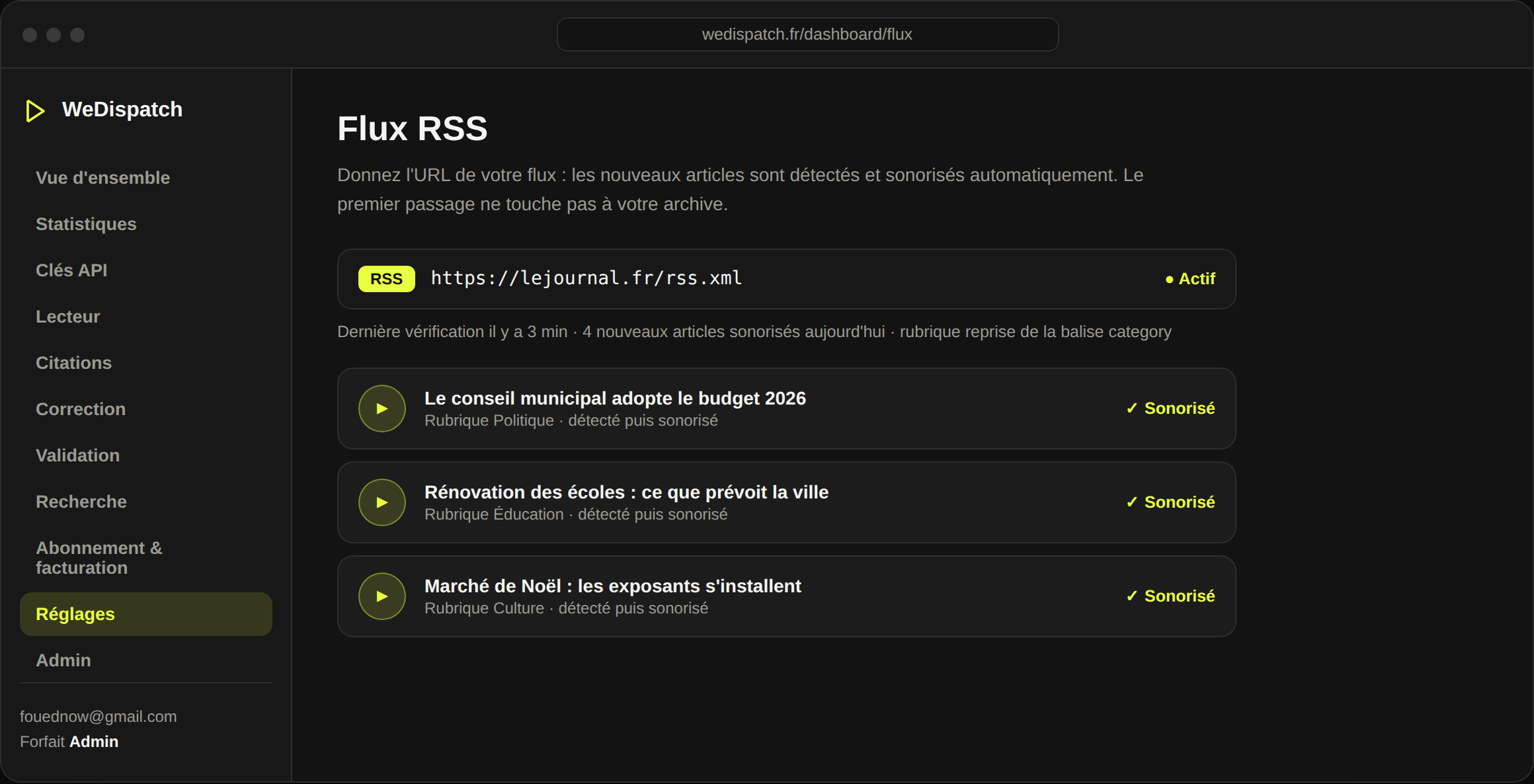
No technical team? Point us to your RSS, Atom or sitemap feed. WeDispatch detects new articles, voices them automatically, and the player (one line, pasted once) shows them. Live in ten minutes.
You want audio, but no developer on hand and no plugin for your CMS. Waiting for a technical project just to voice your articles means putting it off forever.
Give us your feed URL, we handle the rest
Give the feed URL
Your RSS, Atom or even your sitemap. The first pass marks everything as seen: your archive isn't voiced all at once.
New articles are detected
On each new feed item, WeDispatch fetches the page's text and voices it, on the same rules as the API.
The player shows up
One script line pasted once in your template shows each audio as soon as it's ready. Nothing more to do.
RSS, Atom or sitemap
A standard format your CMS already produces. Nothing to build on the site side.
Live in ten minutes
One URL, one script line, and your new articles are voiced without a second thought.
Sections respected
The feed's category tag becomes the section: voice, jingle and stats per section apply automatically.
Without touching the archive
The first pass marks existing items as seen: no surprise voicing of ten years of articles.
Newsrooms with no technical team, small titles, sites on an exotic CMS: anyone who wants audio with no integration project.
Ready to give your articles a voice?
Book a 30-minute demo: we set WeDispatch up with you, no complex setup.
Which feed formats?
RSS 2.0, Atom, and even an XML sitemap. Most CMSes produce one by default; just give us the URL.
Will my whole archive be voiced?
No. The first pass marks all existing articles as seen. Only articles published afterwards are voiced, no surprise bill.
Is the section taken into account?
Yes. The first category tag of each item becomes the section, and applies the voice, jingle and stats per section.
And to show the player?
A single script line pasted once in your template. After that, each new audio appears on its own, with no further step.